Business / CCTV designer / Storage
How many TB do you need for CCTV?
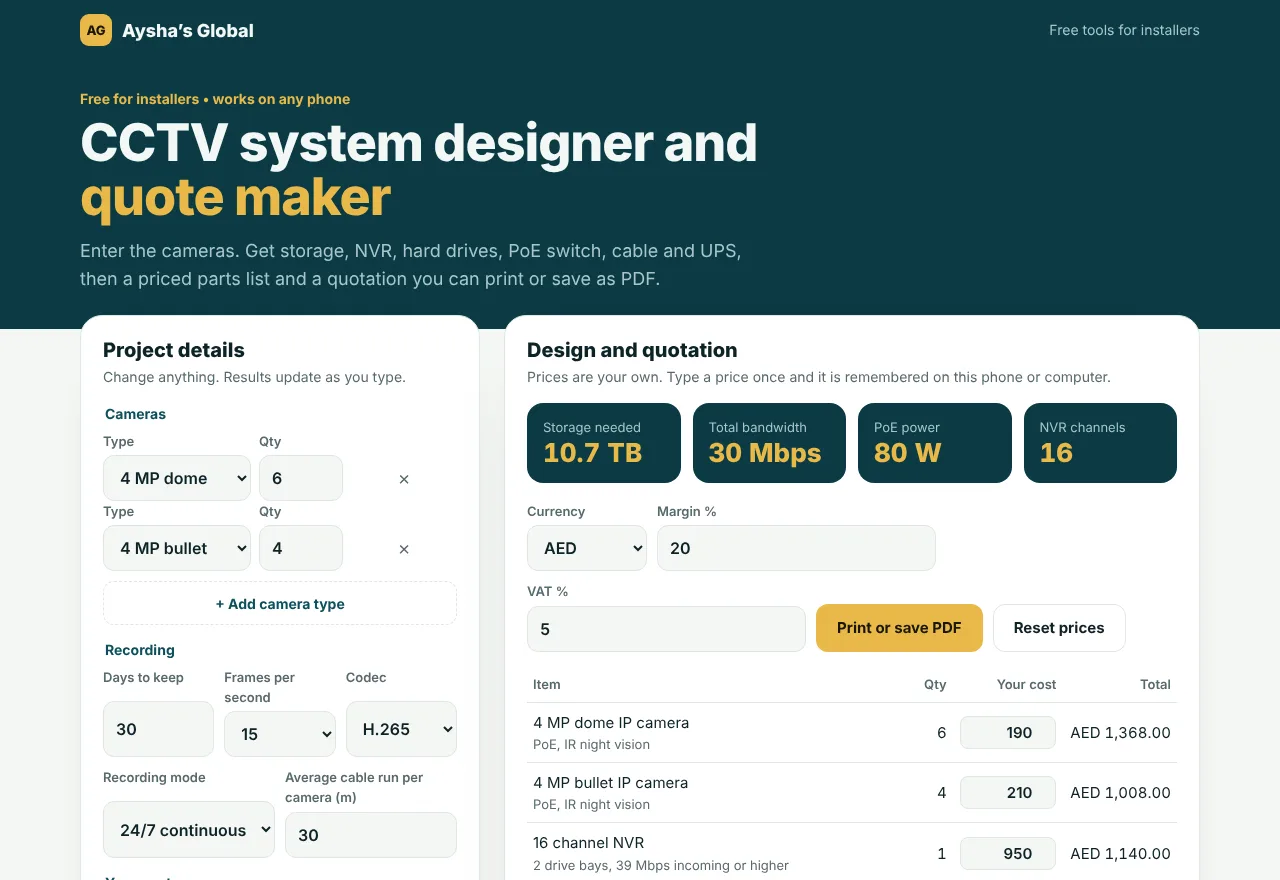
Ready tables for 4 to 64 cameras, 2 MP to 4K, 24/7 recording at 15 fps with H.265, the most common setup today. For exact numbers and a full parts list, use the free CCTV designer.
- 8 × 4 MP for 30 days: 8.6 TB
- H.264 needs about twice as much
CCTV storage, 30 days24/7 recording • 15 fps • H.265
TB
| Cameras | 2 MP | 4 MP | 8 MP (4K) |
|---|---|---|---|
| 4 cameras | 2.9 TB | 4.3 TB | 8.6 TB |
| 8 cameras | 5.7 TB | 8.6 TB | 17.1 TB |
| 16 cameras | 11.4 TB | 17.1 TB | 34.2 TB |
| 32 cameras | 22.8 TB | 34.2 TB | 68.4 TB |
| 64 cameras | 45.6 TB | 68.4 TB | 136.9 TB |
Includes 10% for the file system. Check your camera datasheet for the final design.
4 MP cameras: storage by days kept
Most shops, villas and offices in the UAE keep 30 days. Some buildings and authorities ask for 60 or 90, so check what your customer needs.
| Days | 8 cameras | 16 cameras | 32 cameras |
|---|---|---|---|
| 7 days | 2.0 TB | 4.0 TB | 8.0 TB |
| 15 days | 4.3 TB | 8.6 TB | 17.1 TB |
| 30 days | 8.6 TB | 17.1 TB | 34.2 TB |
| 60 days | 17.1 TB | 34.2 TB | 68.4 TB |
| 90 days | 25.7 TB | 51.3 TB | 102.6 TB |
How the storage is worked out
- 01Bitrate per camera in Mbps × cameras × 86,400 seconds × days ÷ 8 ÷ 1,000,000.
- 02Plus 10% for the file system.
- 03About 2 Mbps for 2 MP, 3 Mbps for 4 MP and 6 Mbps for 8 MP on H.265 at 15 fps. Motion only recording usually needs less than half.